Claude Cowork vs Office Tools: What AI Still Can’t Replace
over the past few years, AI- powered tools like chat gpt claude code and google gemini are transforming the way of working by automating tasks and enhancing productivity. But as these tools become more capable, a bigger question is starting to emerge — are they replacing the tools we already use, or simply changing how we use them? AI systems like claude cowork are designed to assist with a wide range of tasks, from drafting emails and creating presentations to analyzing data and generating reports, but can claude cowork fully replace traditional office tools? the answer is not straightforward.
Is Claude Cowork Replacing Office Tools?
However, despite their impressive capabilities, these AI systems like claude cowork are not yet fully replacing traditional office tools like Microsoft Office or Google Workspace. Daily tasks office tools like Microsoft Word Excel and PowerPoint are so much evolved over the years and offer a level of functionality and integration that AI tools are still catching up to . Replacing these tools would require AI systems to not only match their features but also seamlessly integrate into existing workflows and ecosystems. Here are a few reasons why claude cowork isn’t replacing office tools just yet:
- Specialized Functionality: Traditional office tools have been refined over decades to cater to specific professional needs. They offer specialized features that ai tools may not fully replicate yet.
- Integration Challenges: Many businesses rely on a suite of interconnected tools and software. Integrating ai systems into these established workflows can be complex and may not always be feasible.
- User Familiarity: Employees are often more comfortable using familiar tools. Transitioning to new ai-powered systems requires training and adaptation, which can be a barrier to adoption.
- Data Privacy and Security: Businesses handle sensitive information, and there are concerns about data privacy when using cloud-based ai tools. Traditional Daily used office tools often have robust security measures and designed for enterprise in place that ai systems need to match.
- Cost Considerations: Implementing ai systems can involve significant costs, including subscription fees and infrastructure investments. For many organizations, sticking with existing office tools is more cost-effective.
Where Claude Cowork Actually Feels Powerful?
While claude cowork may not be able to replace traditional office tools, but it is changing the perspective on how we use them. AI systems are very helpful on tasks like drafting emails, generating content ideas, and even creating initial drafts of reports or presentations. For example, a marketing manager can paste rough bullet points into an AI tool and get a polished email draft in minutes, saving hours of back-and-forth editing. Now users can focus on higher-level tasks that require creativity and critical thinking.
When claude cowork feels helpful?
Claude Cowork feels most helpful in those moments when work isn’t clearly defined yet. You’re not replacing a system or following a process — you’re just trying to make sense of messy inputs and move forward.
One place it really shines is getting started. If you’re staring at a blank page with rough ideas in your head, Claude Cowork can turn those scattered thoughts into a usable draft. Whether it’s an email, a report outline, or a presentation structure, it removes that initial friction that often slows people down.
It’s also surprisingly good at summarizing information. Long meeting notes, copied chats, or dense documents can be hard to review quickly. Instead of reading everything line by line, you can drop the content into Claude Cowork and get a clear summary with the main points and next steps. It doesn’t replace your judgment, but it saves time.
Another area where it feels useful is thinking things through. When you’re unsure about how to approach a task, plan content, or compare different ideas, Claude Cowork works more like a sounding board. You can ask follow-up questions, refine your thoughts, and explore options without committing to anything too early.
For solo work, the biggest advantage is how simple and lightweight it feels. There’s no setup, no files to manage, and no complicated interface. You open it, paste what you have, and get help instantly. That makes it easy to use in small moments throughout the day instead of blocking off “AI time.”
In short, Claude Cowork feels powerful when work is still unstructured. It helps you clean up ideas, gain clarity, and move faster — not by replacing your tools, but by supporting you before structure even exists.
Claude Cowork vs Office Tools: Different Roles, Not Competitors
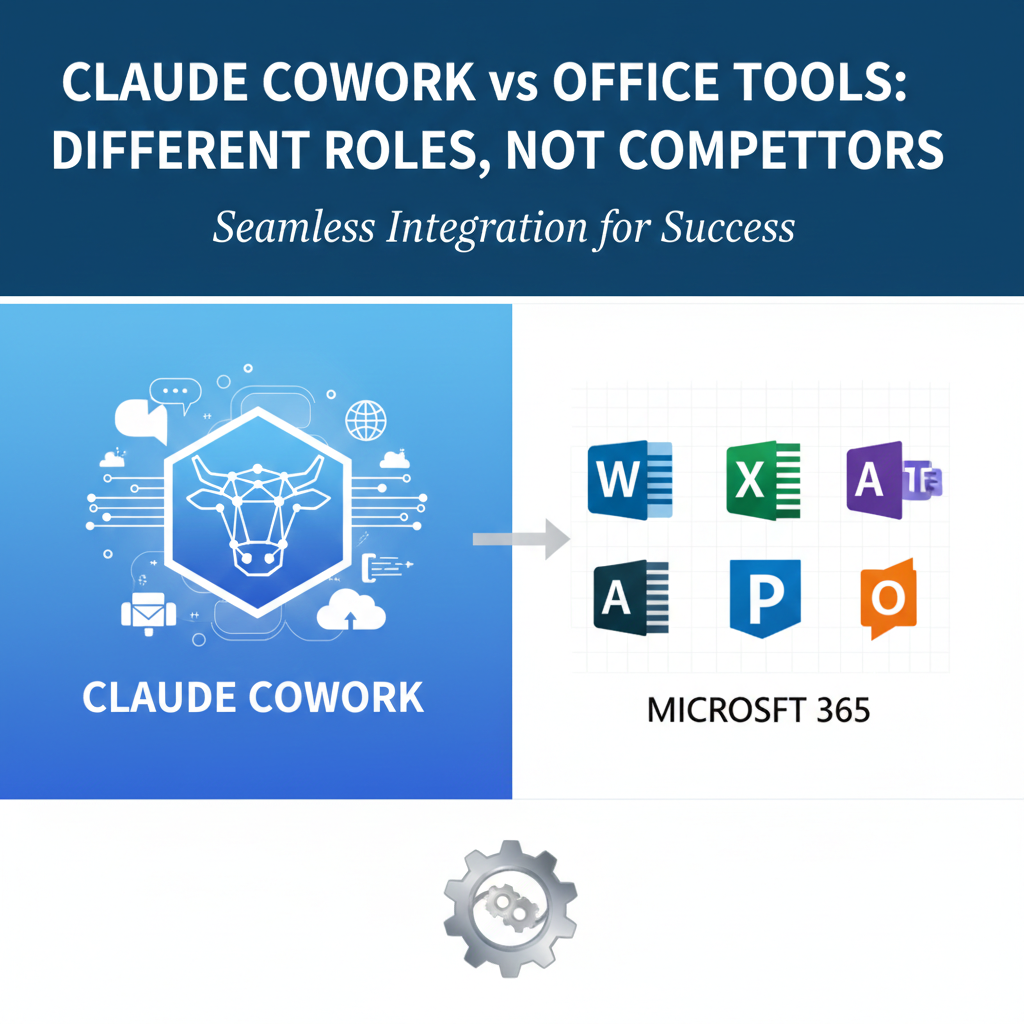
It’s tempting to frame this as a competition — AI versus traditional office tools. But in practice, Claude Cowork and tools like Google Docs, Notion, or Excel aren’t really trying to do the same job.
Office tools are built for structure. They store information, track changes, manage permissions, and make collaboration predictable. When multiple people need to work on the same document, follow a process, or come back to something weeks later, these tools provide stability.
Claude Cowork, on the other hand, works best before structure exists. It helps when ideas are still forming, notes are messy, or you’re trying to understand a problem rather than finalize a solution. Instead of managing files or workflows, it supports thinking, drafting, and clarifying.
A simple way to look at it is this: office tools help you organize and maintain work, while Claude Cowork helps you move forward when things feel unclear. One focuses on consistency, the other on momentum.
What is the difference between Claude Cowork and office tools?
This difference becomes especially clear in team environments. Documents, spreadsheets, and project boards give teams shared visibility and accountability. Conversations with an AI, however useful, don’t replace version history, approvals, or ownership. They work alongside these systems, not instead of them.
When used together, the flow often feels natural. People use Claude Cowork to explore ideas or create a rough draft, then move that output into an office tool where it can be reviewed, edited, and shared. Each tool plays to its strengths.
So rather than asking which one will win, it’s more useful to ask when to use each. Claude Cowork helps at the beginning of work, while office tools support everything that comes after. Seen this way, they’re not competitors — they’re part of the same workflow.
Why Teams Still Rely on Traditional Tools
When work moves from individual tasks to team collaboration, the role of traditional office tools becomes much clearer. It’s not that teams are ignoring AI — it’s that teams need reliability, visibility, and shared structure.
One major reason is ownership and accountability. In team settings, it matters who created a document, who edited it, and who approved the final version. Office tools make this visible through version history, comments, and permissions. AI conversations, no matter how helpful, don’t provide that same level of clarity.
Teams also rely on shared context. Documents, spreadsheets, and project boards act as a single source of truth that everyone can return to. They’re easy to reference weeks or months later, especially when new people join a project. AI tools are great in the moment, but conversations don’t naturally function as long-term knowledge bases.
Another practical reason is process and compliance. Many teams work with deadlines, reviews, and sometimes regulatory requirements. Traditional tools support structured workflows, approvals, and access control. These aren’t just preferences — they’re often necessary for teams to function smoothly and responsibly.
There’s also the matter of collaboration at scale. As teams grow, work becomes less about individual productivity and more about coordination. Comments, assignments, notifications, and shared timelines help keep everyone aligned. This kind of coordination is built into office tools in a way AI chat interfaces aren’t designed to replace.
None of this means AI tools don’t belong in team workflows. They do — just in a different role. Teams often use AI to prepare drafts, summarize discussions, or explore ideas, then move that work into traditional tools where collaboration actually happens.
That’s why, even as AI becomes more capable, teams continue to rely on familiar tools. They provide the structure that makes collaboration possible, while AI helps make the work leading into that structure faster and clearer.
The Bigger Shift: AI as a Layer, Not a Product
What’s becoming clear to me is that the real shift isn’t about replacing tools with AI products, but about AI quietly sitting on top of the tools we already use. Most people don’t actually want another app to manage — they want less friction while doing familiar work. That’s why AI feels most useful when it helps you think, draft, or clean things up before the “real” work happens inside documents, spreadsheets knowing that’s where collaboration and decisions still live. Over time, I think AI will fade into the background, helping without demanding attention, and the tools that succeed won’t be the loudest or smartest on their own, but the ones that make work feel simpler without changing how people already operate.
Who Should Use Claude Cowork?
Claude Cowork works best for people who spend a lot of time thinking, writing, or exploring ideas on their own. Solo creators, developers, researchers, and anyone doing early-stage planning can benefit from using it to draft content, organize thoughts, or get unstuck when work feels messy. It’s especially useful when you want quick clarity without setting up documents or workflows. For large teams or process-heavy environments, though, it’s better used as a support tool rather than a central place where work lives.
Conclusion
Claude Cowork isn’t here to replace office tools, and that’s not a weakness — it’s simply a reflection of how real work happens. AI tools are most helpful at the early, unstructured stages, when ideas are still forming and clarity matters more than process. Traditional office tools continue to play an essential role by providing structure, collaboration, and accountability, especially for teams. When used together, the balance feels natural: AI helps you move faster, and familiar tools help you stay organized. The future of work doesn’t belong to one tool replacing another, but to quieter workflows where each tool does what it’s best at, without getting in the way.